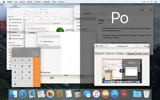
Zbyt dużo okien do zarządzania? Duży wyświetlacz? Czasami gubisz się w wielu monitorach? HazeOver jest dla Ciebie! Ta aplikacja automatycznie podświetla przednie okno, przygaszając wszystkie okna w tle.
Aktualna wersja wymaga macOS 11 Big Sur lub nowszego. Zobacz inne wersje. Wypróbuj z Setapp
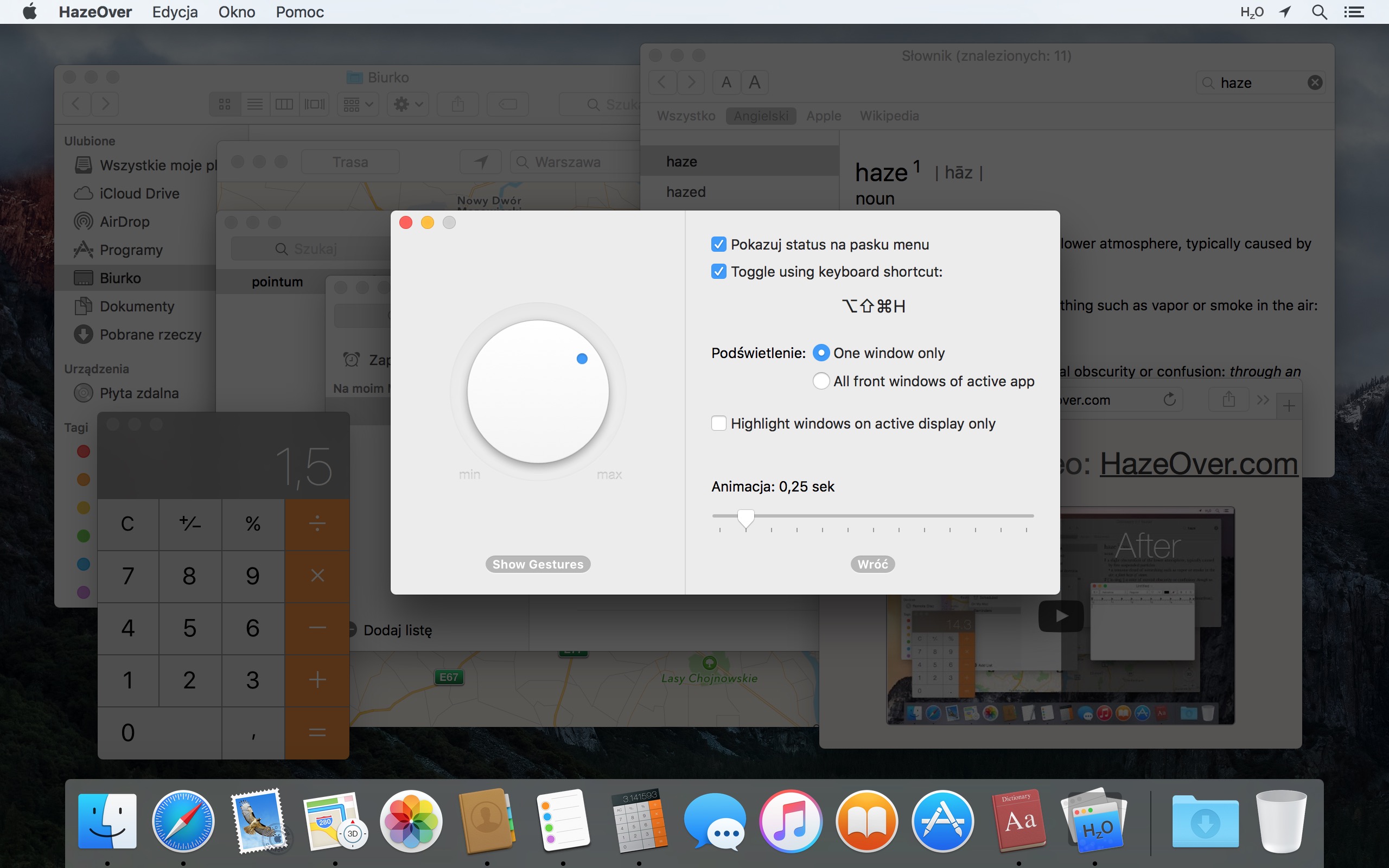
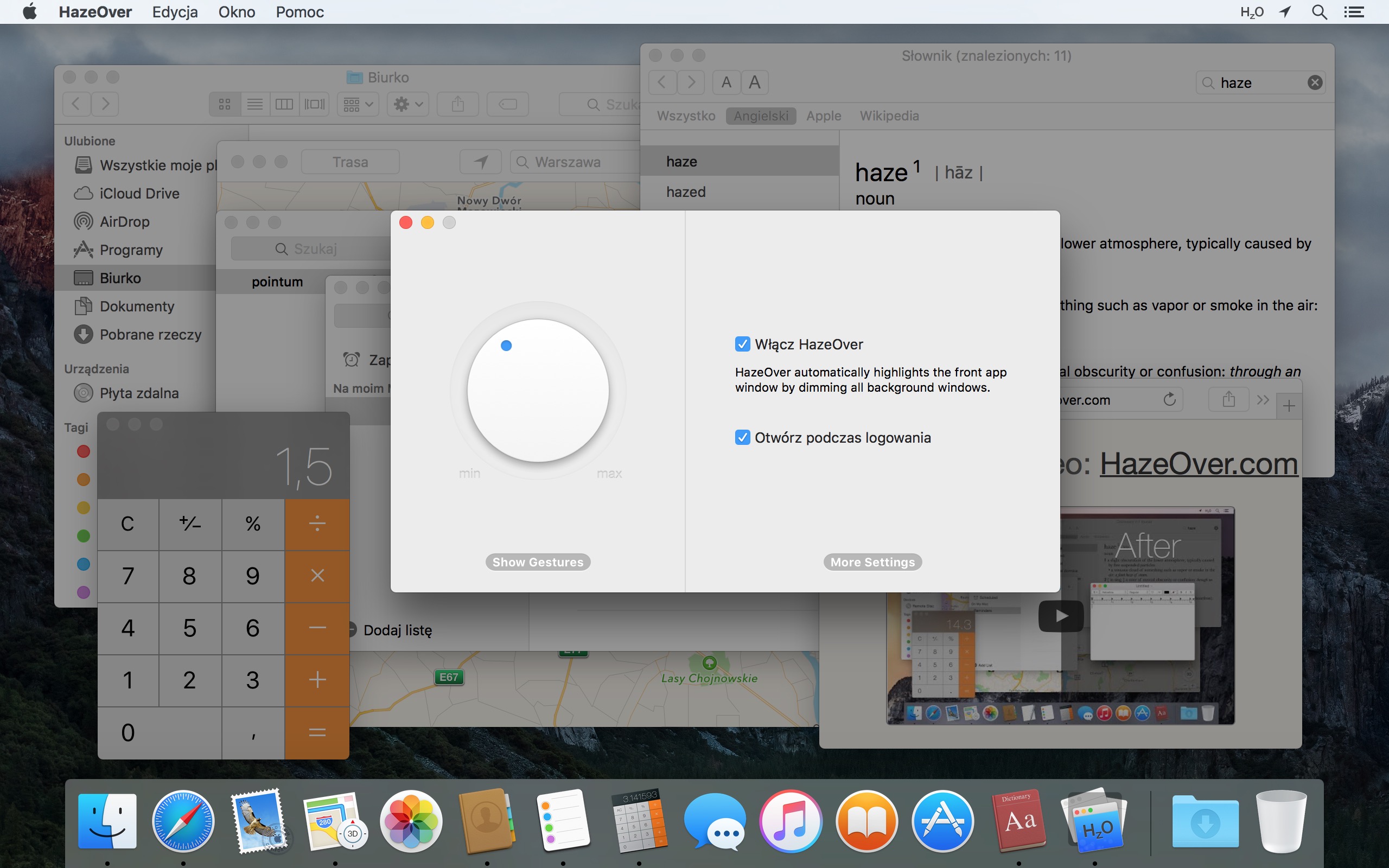
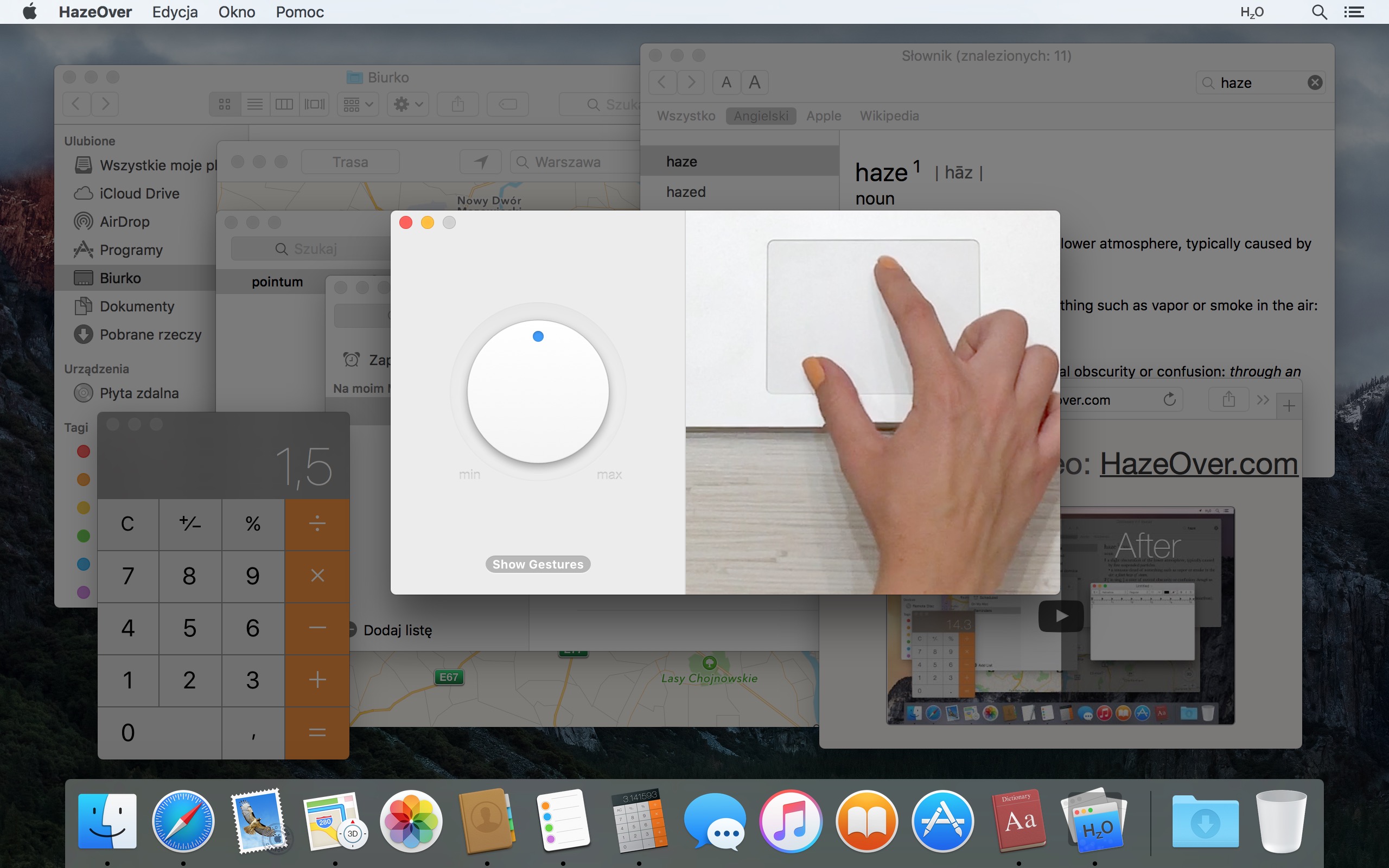
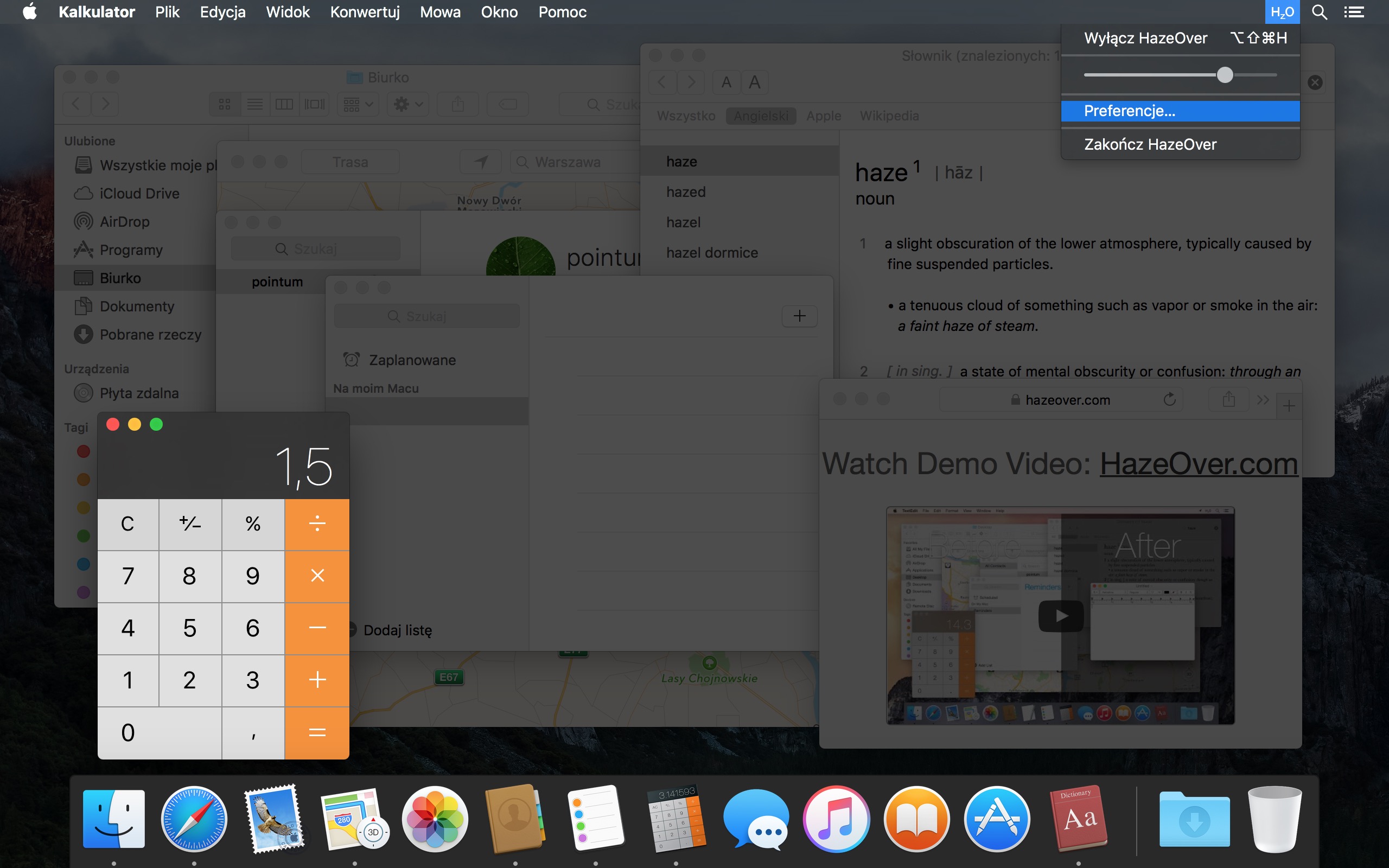
Obejrzyj film demonstracyjny, aby zobaczyć efekt przygaszania okien w działaniu
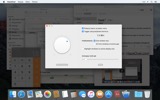
Jak zwiększyć produktywność na Mac z HazeOver
- Pomóż sobie skupić się na jednej rzeczy naraz. Automagicznie.
- Spędź mniej czasu na zarządzaniu oknami. Bałagan już Cię nie będzie przeszkadzał.
Nie musisz minimalizować, zamykać ani ukrywać okien, aby utrzymać porządek w obszarze roboczym. - Z łatwością zobacz, które okno ma fokus klawiatury.
Koniec z pisaniem w złym oknie z powodu niskiego kontrastu. - Masz większy wyświetlacz? Wtedy przejście na pełny ekran może mieć mniej sensu.
HazeOver pomaga uniknąć przytłoczenia zbyt wieloma oknami. - Wiele monitorów? Ta aplikacja pokazuje, który ekran jest aktywny, lub podświetla okno na każdym monitorze.
- Wzmocnij tryb ciemny macOS i zmniejsz odblask tła.
- Pracujesz w nocy? Obniż jasność interfejsu bez pogorszenia czytelności lub dokładności kolorów przedniego okna.
Intensywne wielozadaniowość zabija koncentrację. Strony internetowe, e-maile, wiadomości z czatu i śmieszne kotki 😼 gapią się na Ciebie z tła — wszystkie walczą o Twoją uwagę. A masz jej tylko tyle.
Nie toń w dziesiątkach otwartych okien. Ukrywanie, przełączanie, szukanie właściwego, więcej ukrywania, więcej przełączania. Uspokój się, weź głęboki oddech, uruchom HazeOver — i w końcu skup się na tym, co ważne.
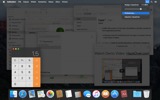
HazeOver automatycznie podświetla aktywne okno lub aplikację podczas przełączania. Mniej ważne rzeczy delikatnie znikają w tle, pomagając Ci pozostać skupionym i produktywnym.
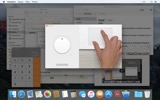
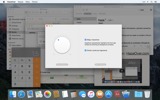
Dostosuj intensywność przyciemnienia i szybkość animacji do swoich preferencji — czy to delikatny cień, który kieruje Twoją uwagę, czy odważne ciemne tło dla całkowitego zanurzenia.
- Pulpit jest automatycznie odsłaniany, gdy jest używany.
- Przełączaj cieniowanie skrótem klawiaturowym lub dostosuj intensywność gestem.
- Używaj oddzielnych ustawień przyciemniania dla ciemnego i jasnego wyglądu.
- Przeciągasz między aplikacjami? Naciśnij klawisz „fn”, a HazeOver elegancko zaniknie.
- Kontroluj lub planuj HazeOver za pomocą aplikacji Skróty, filtrów skupienia i AppleScript.
Gotowy, aby poprawić swój przepływ pracy i komfort oczu z HazeOver?
Czy HazeOver naprawdę pomaga? Sprawdź na 





Aktualności i aktualizacje 

HazeOver 1.9.6 + macOS Sequoia
- Minor bug fixes and localization updates.
Works in macOS Tahoe 26 Beta with no issues. A beta version of HazeOver is also available.

HazeOver Mentioned Again by Apple in App Store Stories
- What’s New in macOS Ventura — Take Focus Further
“macOS Ventura is here, bringing fresh ways to boost your productivity and creativity. Check out a few of its coolest new features—along with apps and games to get the most out of them.”
“Whether you’re working, playing, or spending time with family, setting up a Focus is a great way to establish boundaries. With the new Focus filters in macOS Ventura, apps can customize what you see based on the Focus you’ve enabled.”
- Be More Productive With Shortcuts — Manage Your Mac
“By letting you automate frequent or cumbersome tasks, Shortcuts has become a productivity favorite on Mac. […] Check out these Mac favorites that work with Shortcuts”

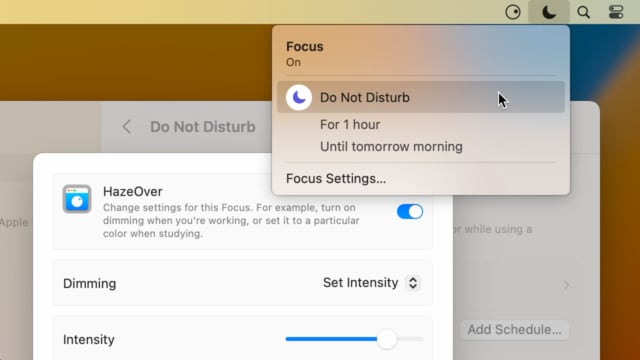
Set up a Focus Filter to toggle HazeOver dimming or set its intensity and color automatically depending on which Focus mode you have activated. For example, you could have dimming turned on when switching to a Work focus or get it set to a particular color when studying.
Read the Automation Guide for details and inspiration.
Learn More →
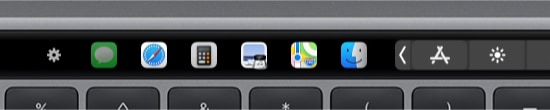
- Updated for macOS Big Sur with native support for Macs with new Apple Silicon M1 chips.
- More options to override what Touch Bar shows for certain apps: Spaces and Quick Actions. In addition to Expanded Control Strip, “F1, F2, etc.” Keys, App Controls.

HazeOver 1.8.8 + Big Sur and Apple M1
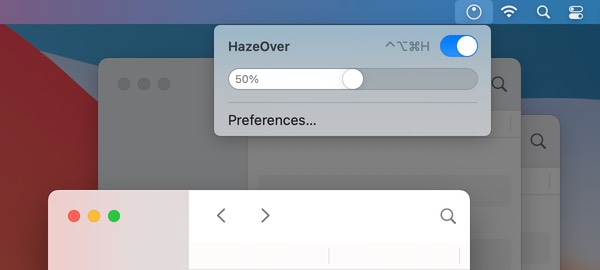
- New menu look to match the Control Center in macOS Big Sur.
- Hide some HazeOver menu items for a cleaner look.
- Native support for Macs with new Apple Silicon M1 chips.

HazeOver 1.8.6 + Light/Dark Settings
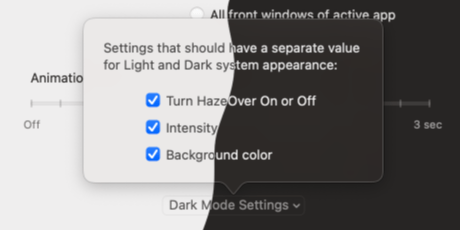
New: Dynamic settings for Light and Dark system appearance.
Dimming settings can be set to change automatically when using Auto Appearance on macOS Catalina (System Preferences > General). For example, enable dimming when turning on Dark mode. Or have different dimming intensity and color when in Light mode.
Such settings will be saved and applied independently for Dark and Light appearance. See HazeOver Preferences > Advanced > Dark Mode Settings.
In this story Apple suggests HazeOver for “a professional look when making screen captures and recordings”.
Learn More →
Run commands and scripts using keyboard shortcuts or from the menu bar. You could set up AppleScript or Automator actions to turn on Dark Mode, hide the Dock and the menu bar or control HazeOver.
Learn More → Opinie klientów: 
Na podstawie 2821 najnowszych ocen i opinii z Mac App Store na całym świecie
A permanent addition to my desktop
This program has redefined what I view as “comfortable” on my desktop, and it has become a permanent resident on my status bar. I rarely disable it, but love the fact that I can quickly and easily do so using the taskbar icon. It does exactly what it says. Five stars.
Better is use than theory
You don’t know how nice this is until you use it. It really does make concentrating on the given window easier; and yes, you always know what window you’re on. Glad I got this, highly recommend it.
Brilliantly Simple
App that makes you go, “Where have you been all my Mac life?”
Worth the money, worth the time
This app has definitely helped with making my productive life easier. Let me tell you that it little popups are an annoyance to you, then this app will definitely help you concentrate on one thing at a time. It is now in my must-have list and should be in yours too!