관리할 창이 너무 많나요? 큰 화면인가요? 또는 여러 모니터에서 길을 잃곤 하나요? HazeOver가 도와드립니다! 이 앱은 모든 배경 창을 어둡게 처리하여 전면 창을 자동으로 강조 표시합니다.
현재 버전은 macOS 12 Monterey 이상이 필요합니다. 다른 버전을 참조하세요. Setapp으로 체험하기

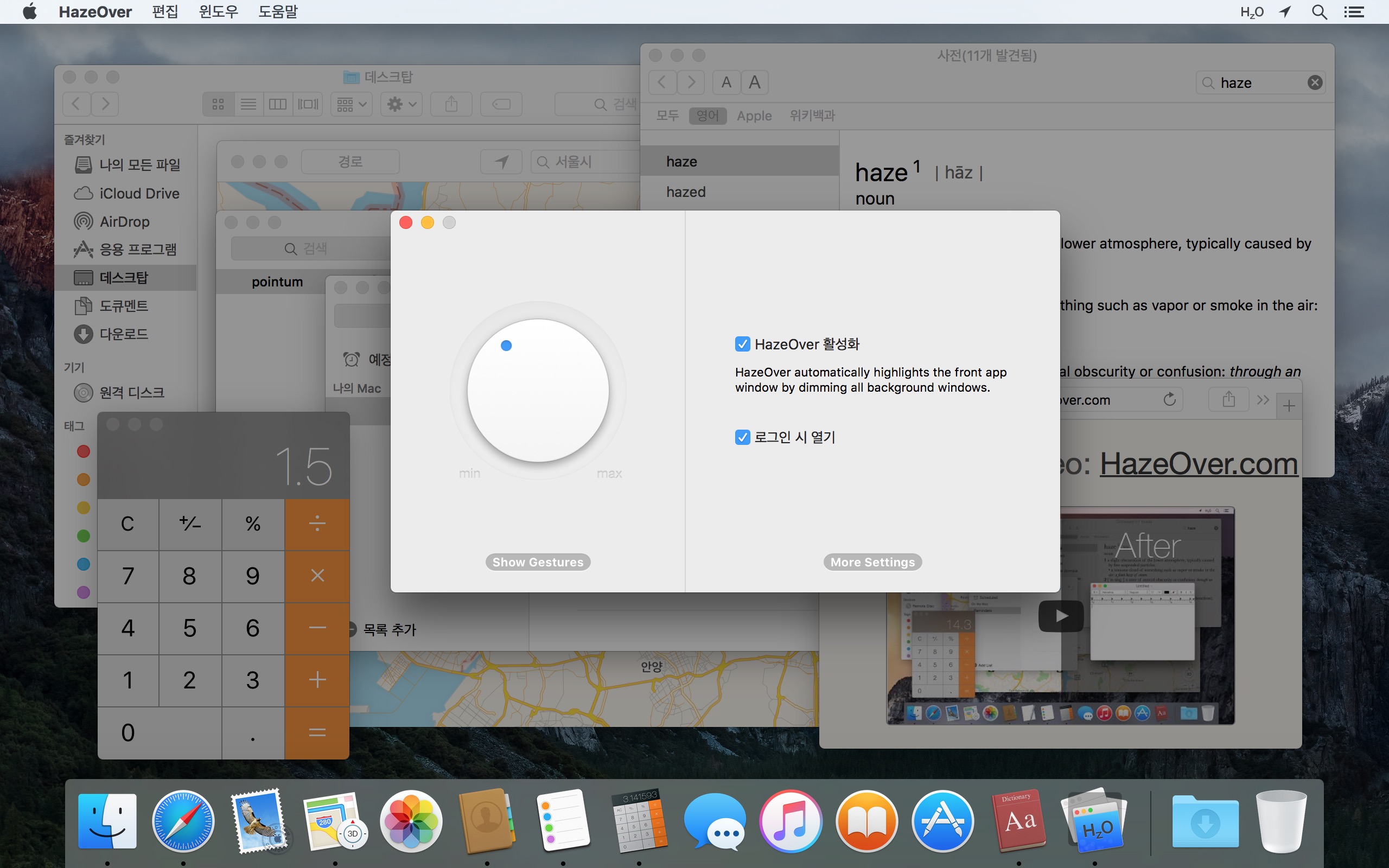
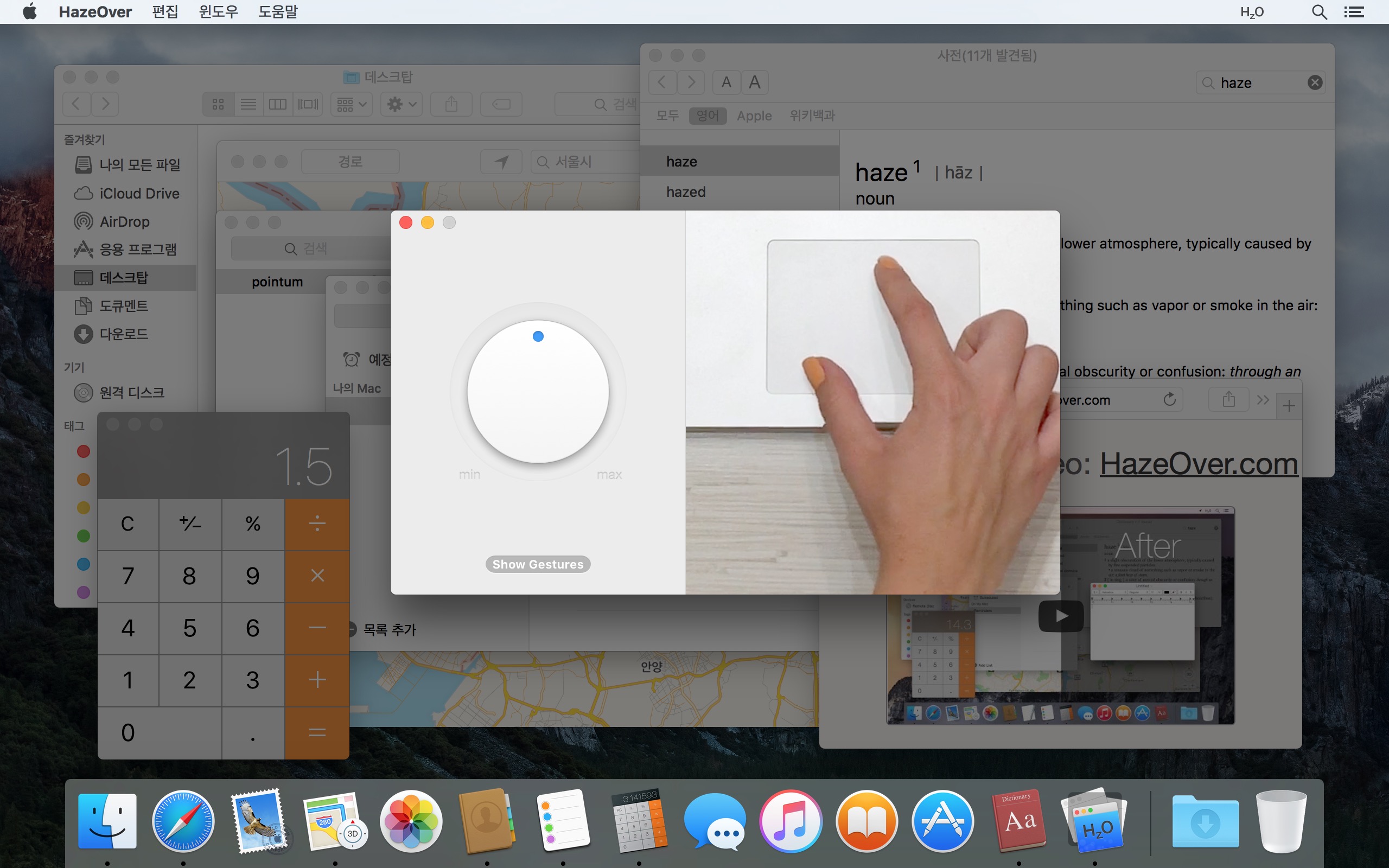
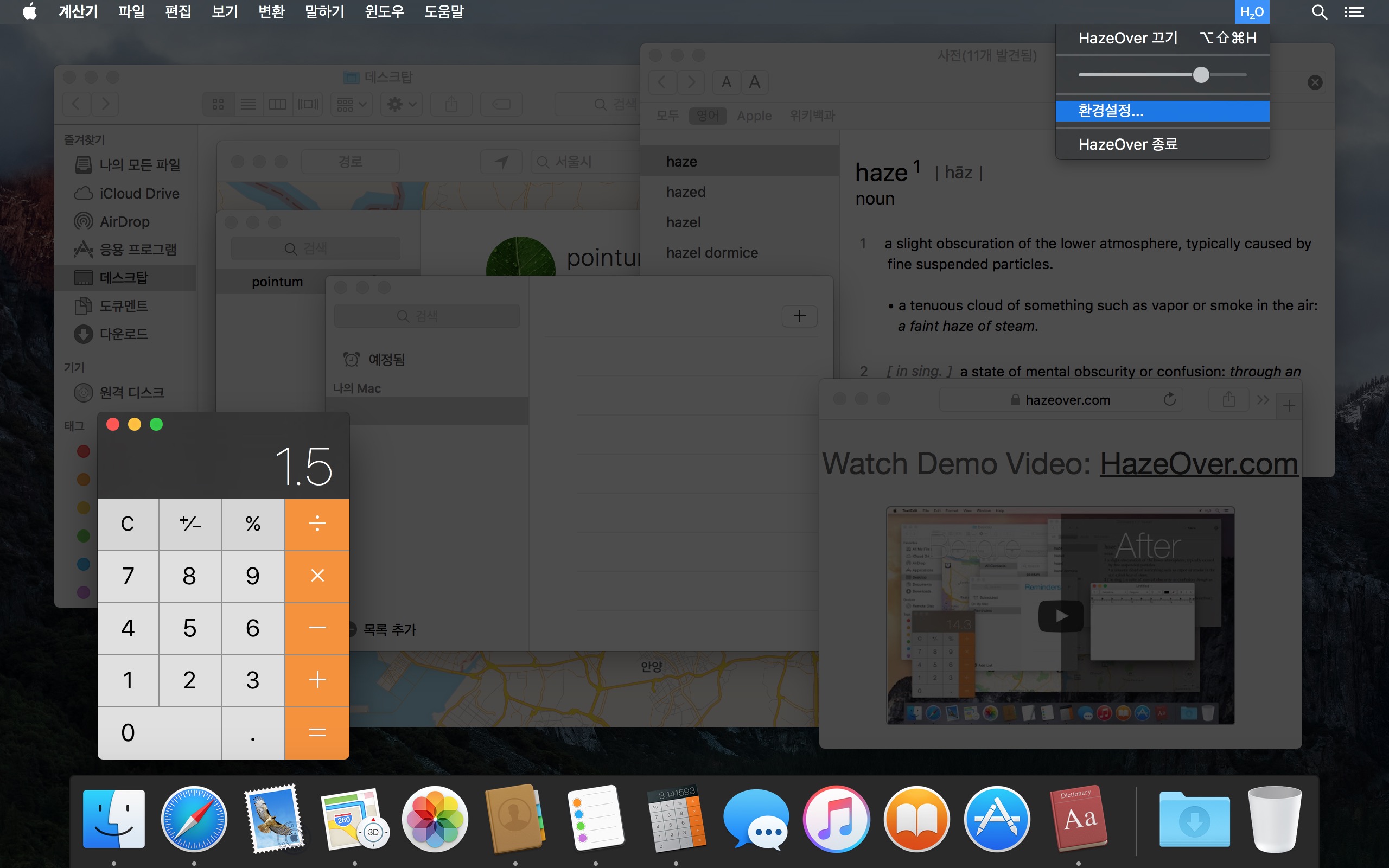
창 페이드 효과가 실제로 작동하는 모습을 데모 비디오에서 확인하세요
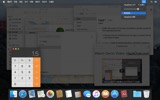
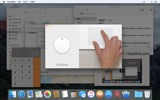
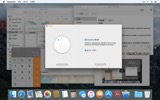
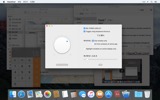
HazeOver로 Mac 생산성 향상시키기
- 한 번에 한 가지에 집중할 수 있도록 도와줍니다. 자동으로.
- 창 관리에 드는 시간을 줄입니다. 어수선함이 더 이상 방해가 되지 않습니다.
작업 공간을 깔끔하고 정돈된 상태로 유지하기 위해 창을 최소화하거나 닫거나 숨길 필요가 없습니다. - 낮은 대비로 인해 잘못된 창에 타이핑하는 일이 더 이상 없습니다.
어떤 창이 활성화되어 있는지 항상 알 수 있습니다. - 큰 디스플레이를 사용하시나요? 그렇다면 전체 화면이 덜 유용할 수 있습니다.
HazeOver는 너무 많은 창으로 인해 압도당하는 느낌을 피할 수 있도록 도와줍니다. - 여러 모니터를 사용하시나요? 어떤 화면이 활성화되어 있는지 확인하거나 각 모니터의 창을 강조 표시할 수 있습니다.
- 다크 모드를 강화하고 배경 눈부심을 줄입니다.
- 밤에 작업하시나요? 전면 창의 가독성이나 색상 정확도를 희생하지 않으면서 인터페이스 밝기를 낮춥니다.
과도한 멀티태스킹은 에너지를 소모시킵니다. 웹 페이지, 이메일, 채팅 메시지, 그리고 귀여운 고양이들 😼이 배경에서 사용자를 바라보며, 모두 관심을 끌기 위해 경쟁합니다. 그리고 집중력은 한정되어 있습니다.
집중하고 있었는데, 어느새 창 하나 숨기고, 또 다른 창 전환하고, 그러다 보니 어디서부터 잘못된 건지… 어느새 머릿속이 뒤죽박죽, 하던 일은 온데간데없이. 잠깐 멈추고 숨을 고른 다음, HazeOver를 켜면 정말 중요한 것에 집중할 수 있습니다.
HazeOver는 사용자가 전환할 때 활성 창이나 앱을 자동으로 강조 표시합니다. 덜 중요한 것들은 부드럽게 배경으로 페이드되어 집중력과 생산성을 유지할 수 있도록 도와줍니다.
디밍 강도와 애니메이션 속도를 취향에 맞게 사용자화하세요. 주의를 안내하는 부드러운 그림자부터 완전한 몰입을 위한 진한 어두운 배경까지 자유롭게 설정하세요.
- 데스크탑은 사용될 때 자동으로 나타납니다.
- 키보드 단축키로 음영을 토글하거나 제스처로 강도를 조절합니다.
- 다크 및 라이트 모양새에 대해 별도의 디밍 설정을 사용합니다.
- 앱 간에 드래그하는 동안 fn 키를 누르면 디밍이 빠르게 비활성화됩니다.
- HazeOver를 제어하거나 자동화합니다. 단축어 앱, 집중 모드 필터, AppleScript로.
HazeOver로 워크플로와 눈의 편안함을 개선할 준비가 되셨나요?
HazeOver가 정말 도움이 될까요? 다음 매체에 소개되었습니다:







뉴스 및 업데이트 

HazeOver 1.9.7 + macOS Tahoe and Liquid Glass
- Improved compatibility with macOS Tahoe and updated look for Liquid Glass.
- Fixed: quitting unexpectedly when using a third-party menu bar manager.
- Improved screen reader support and keyboard navigation following Voluntary Product Accessibility Template® audit.
Now you can adjust HazeOver settings from Spotlight and Control Center. See the updated Automation Guide.
Tip: If you use intense dimming and the menu bar gets too dark on macOS Tahoe, then go to System Settings > Menu Bar and turn on the “Show menu bar background” option.
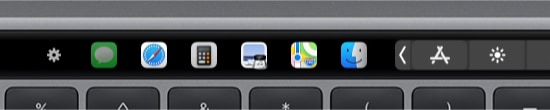
The app switcher for the Touch Bar got updated for macOS Tahoe and Liquid Glass. Now requires macOS 12, the last macOS version supported by every Mac with a Touch Bar.
Learn More →
The app for running scripts and commands with keyboard shortcuts or from the menu bar, now updated for macOS Tahoe and Liquid Glass.
Learn More →
“What HazeOver does is highlight the active window by dimming all background windows. That’s it. But it does this simple task with aplomb, and it makes a significant difference in the day-to-day usability of MacOS. Not just MacOS 26 Tahoe — all recent versions of MacOS suffer from a design that makes it difficult to distinguish, instantly, the frontmost (a.k.a. key) window from background windows. Making all background windows a little dimmer makes a notable difference.”
— John Gruber
Learn More →
HazeOver 1.9.6 + macOS Sequoia & Localization Updates

I like working with different languages. I speak English, Russian and Spanish, a bit of Japanese and can understand some German. Localizing an app is challenging but rewarding. That’s why HazeOver has supported multiple languages from the get go.
Over the years HazeOver has been localized into 33 languages with help from professional translators and regular users. But as changes are made and features are added, some text became out of date. Now the localization should be complete, including updates to the home and help pages in 24 languages.
Please let me know if you find mistakes or typos.

HazeOver Featured by Apple in App Store Stories
- What’s New in macOS Ventura — Take Focus Further
“macOS Ventura is here, bringing fresh ways to boost your productivity and creativity. Check out a few of its coolest new features—along with apps and games to get the most out of them.”
“Whether you’re working, playing, or spending time with family, setting up a Focus is a great way to establish boundaries. With the new Focus filters in macOS Ventura, apps can customize what you see based on the Focus you’ve enabled.”
- Get More Done With Shortcuts! — Manage Your Mac
“By letting you automate frequent or cumbersome tasks, Shortcuts has become a productivity favorite on Mac. […] Check out these Mac favorites that work with Shortcuts”
- Snap Screenshots Like a Pro — Highlight the important window
“HazeOver dims all but the top window to help you focus while working. Use it for a professional look when making screen captures and recordings.”

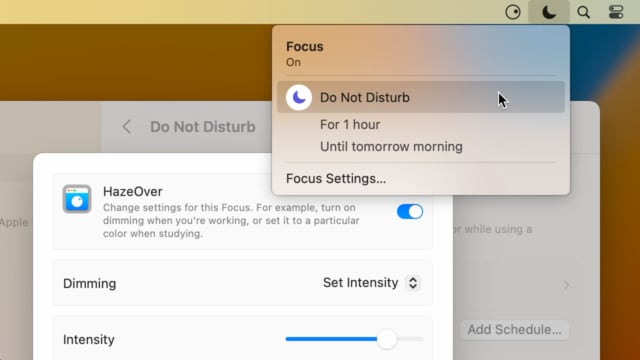
Set up a Focus Filter to toggle HazeOver dimming or set its intensity and color automatically depending on which Focus mode you have activated. For example, you could have dimming turned on when switching to a Work focus or get it set to a particular color when studying.
Read the Automation Guide for details and inspiration.
Learn More →
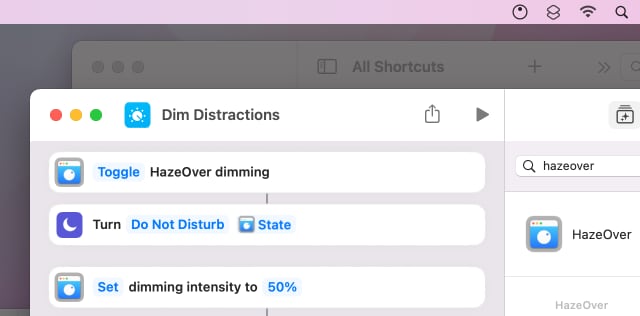
Control HazeOver dimming state and settings with Shortcuts app on macOS Monterey. Combine with other apps and settings to set up your perfect environment. For example, you can turn on HazeOver, Dark Mode, and Do Not Disturb with a single keyboard shortcut. On all macOS versions you can use AppleScript.
Read the Automation Guide for details and inspiration.
Learn More →
HazeOver 1.8.6 + Light/Dark Settings
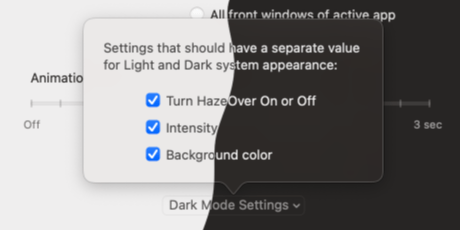
New: Dynamic settings for Light and Dark system appearance.
Dimming settings can be set to change automatically when using Auto Appearance on macOS Catalina (System Preferences > General). For example, dimming can switch on along with Dark Mode. Or have different dimming intensity and color when using the light appearance.
Such settings will be saved and applied independently for Dark and Light appearance. See HazeOver Preferences > Advanced > Dark Mode Settings.
고객 리뷰: 
전 세계 Mac App Store의 최근 3064개 평점과 리뷰를 기반으로 함
문제되는 부분 없이 작동 잘함.
생각 이상으로 훌륭함. 듀얼디스플레이에서도 제대로 작동
굉장히 부드럽게 잘 작동합니다.
엘 캐피탄에서 사용중인데 아주 잘 작동합니다. FocalPoint, iSolator 모두 써봤는데 이 앱이 엘 캐피탄에서 가장 깔끔하게 작동하며 군더더기 없는, 하지만 필요한 기능만을 제공합니다. 다소 안타까운 부분은 dock 부분도 배경처리가 되면 좋을텐데 이 부분에 대한 설정은 없더군요. 그리고 단축키 변경이 안됩니다. 일단 이 부분은 개발자에게 피드백을 보냈는데 멀티디스플레이 지원도 사용자들의 요구에 들어간 기능임을 보면 아마 조만간 응신이 있지않을까 기대됩니다.
A permanent addition to my desktop
This program has redefined what I view as “comfortable” on my desktop, and it has become a permanent resident on my status bar. I rarely disable it, but love the fact that I can quickly and easily do so using the taskbar icon. It does exactly what it says. Five stars.
Better is use than theory
You don’t know how nice this is until you use it. It really does make concentrating on the given window easier; and yes, you always know what window you’re on. Glad I got this, highly recommend it.