 HazeOver Press Kit
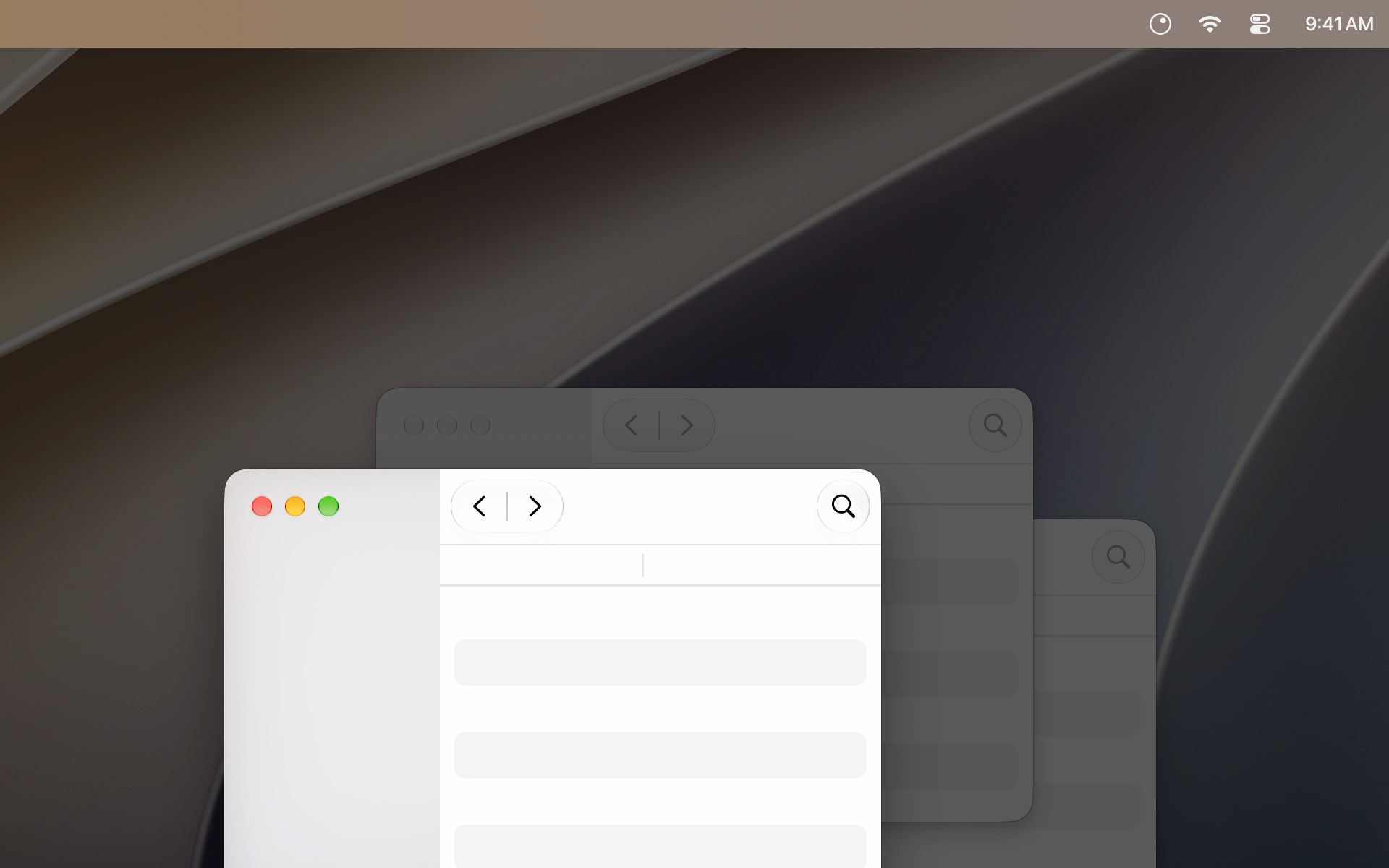
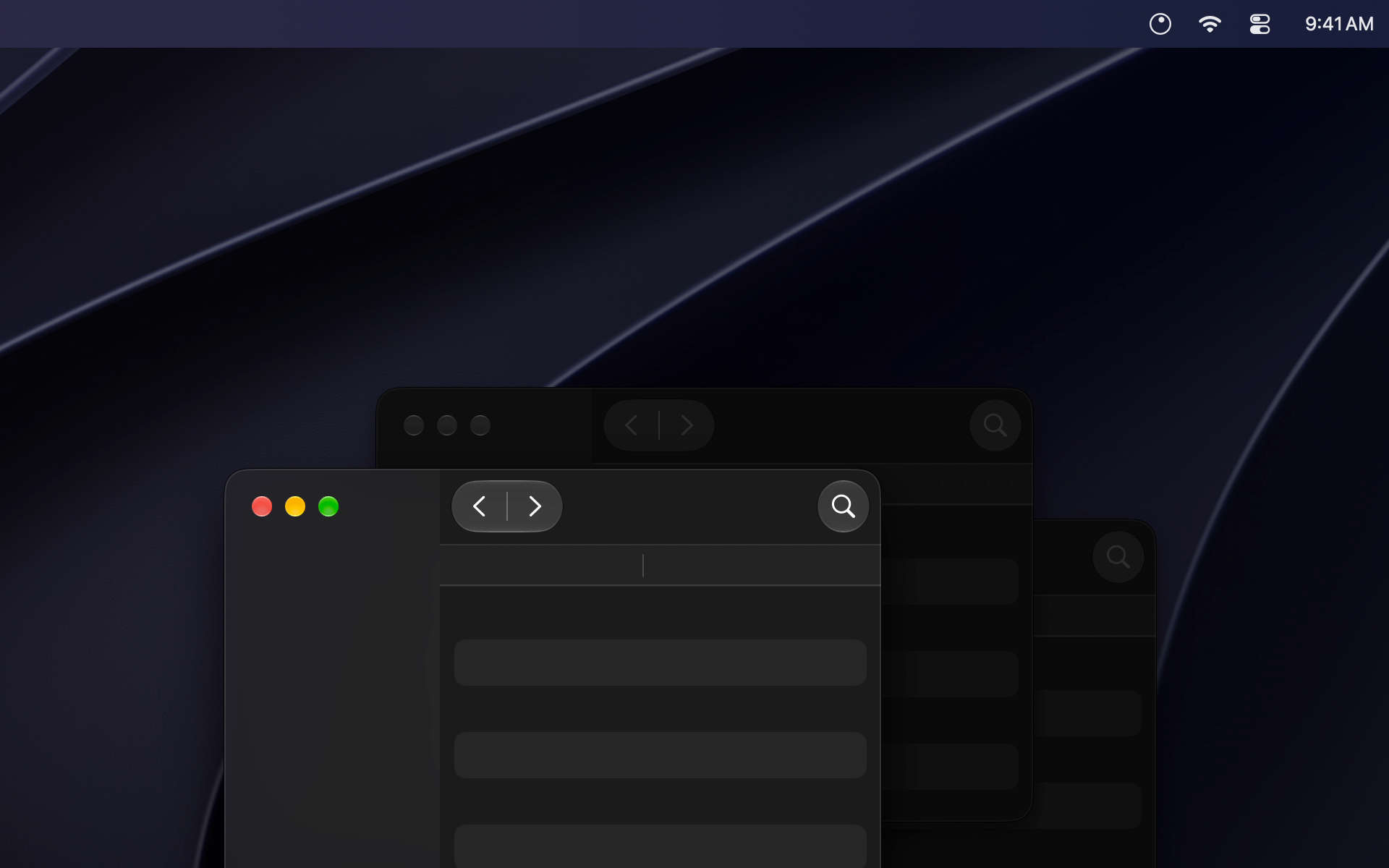
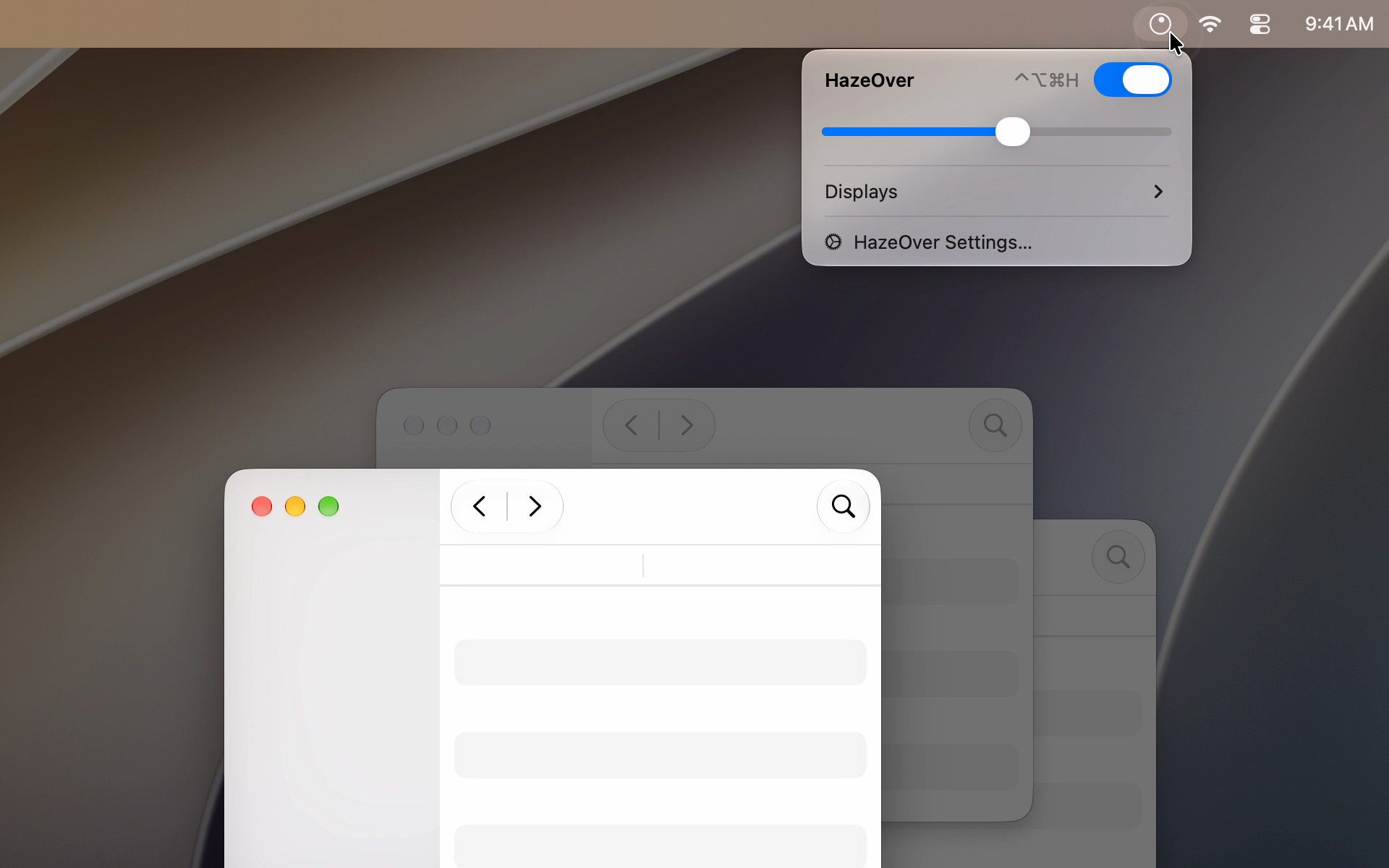
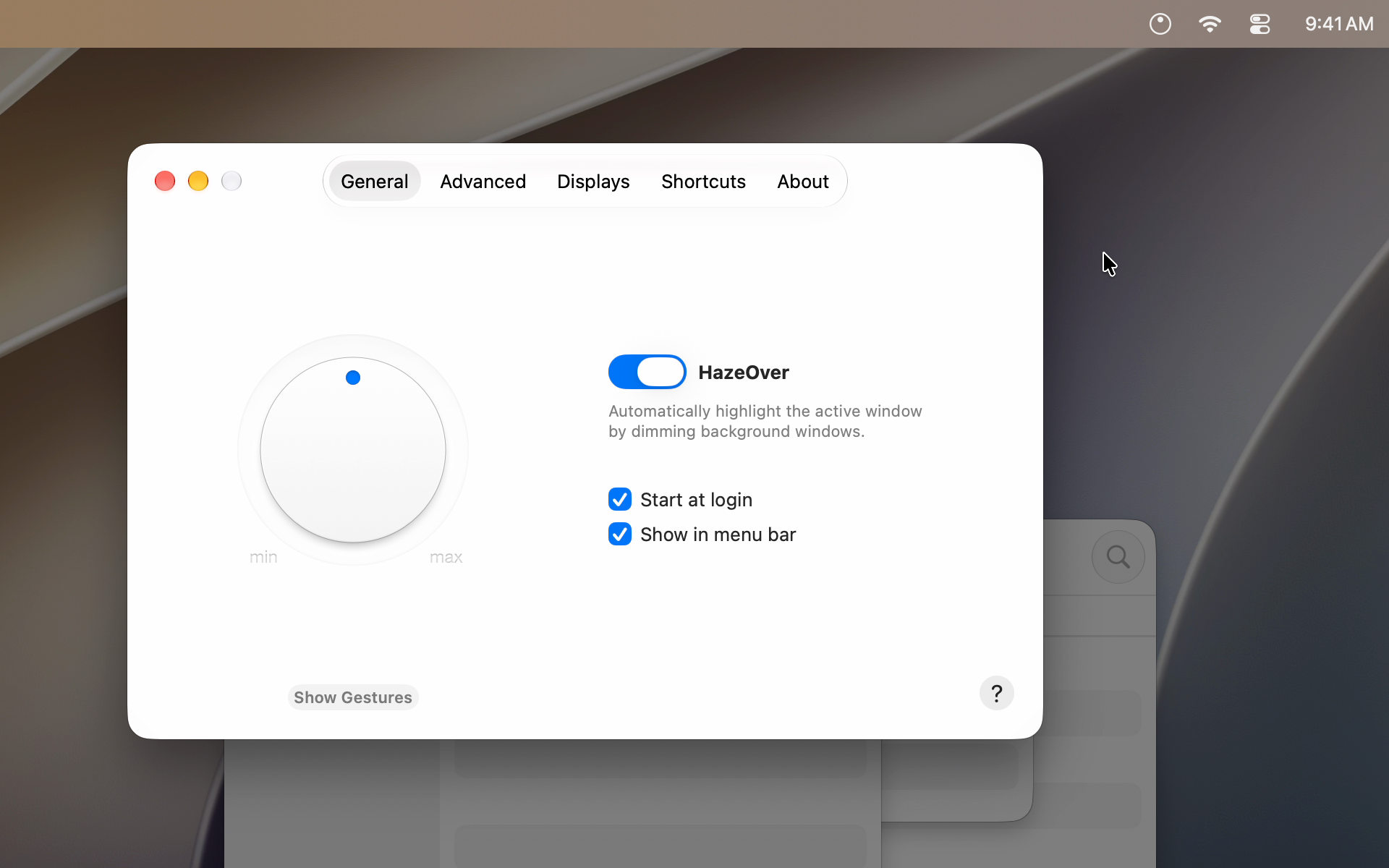
HazeOver is a Mac app that automatically highlights the active window by dimming background windows, so the window you’re working in stands out from the clutter. One developer, Maxim Ananov, has designed and written it since 2011 — a longtime project inspired by his own ever-cluttered desktop.
Fact Sheet
- App
- HazeOver: Distraction Dimmer™
- Developer
- Maxim Ananov, independent developer
- Category
- Productivity, menu bar app
- First release
- 2011, Mac App Store
- Latest version
- 1.9.9; October 12, 2026
- Requires
- macOS Ventura 13 or later
- Languages
- 33
- Price
- $4.99, one-time purchase
- Available on
- Mac App Store, hazeover.com with a free trial, Setapp
- Links
- hazeover.com, YouTube, X, Facebook
- Press contact
- max on this domain
- The New York Times’ Wirecutter says using HazeOver is “like shining a spotlight on the one place you should focus.”
- “It does this simple task with aplomb, and it makes a significant difference in the day-to-day usability of macOS.”
— John Gruber, Daring Fireball
Featured by Apple in Mac App Store stories, including Christina Warren’s Productivity Picks.
What’s New in 1.9.9
- Updated for macOS 27 Golden Gate.
- Change HazeOver settings directly from Spotlight and assign quick keys to actions.
- Fixed: the Settings window could open unexpectedly when using the new Siri app.
- Fixed: menu bar icon scrolling did not work on macOS 27, or changed intensity unintentionally.
Video
Also in: العربية Català Čeština Dansk Deutsch Ελληνικά Español Suomi Français עברית Hrvatski Magyar Indonesia Italiano 日本語 한국어 Melayu Norsk Nederlands Polski Português Brasil Português Română Русский Slovenčina Svenska ภาษาไทย Türkçe Українська Tiếng Việt 简体中文 繁體中文
Embed the same demo from the pinned post on X, or download the silent demo loop (MP4, 1920×1200).
Screenshots
Click a screenshot to download the full-size PNG.
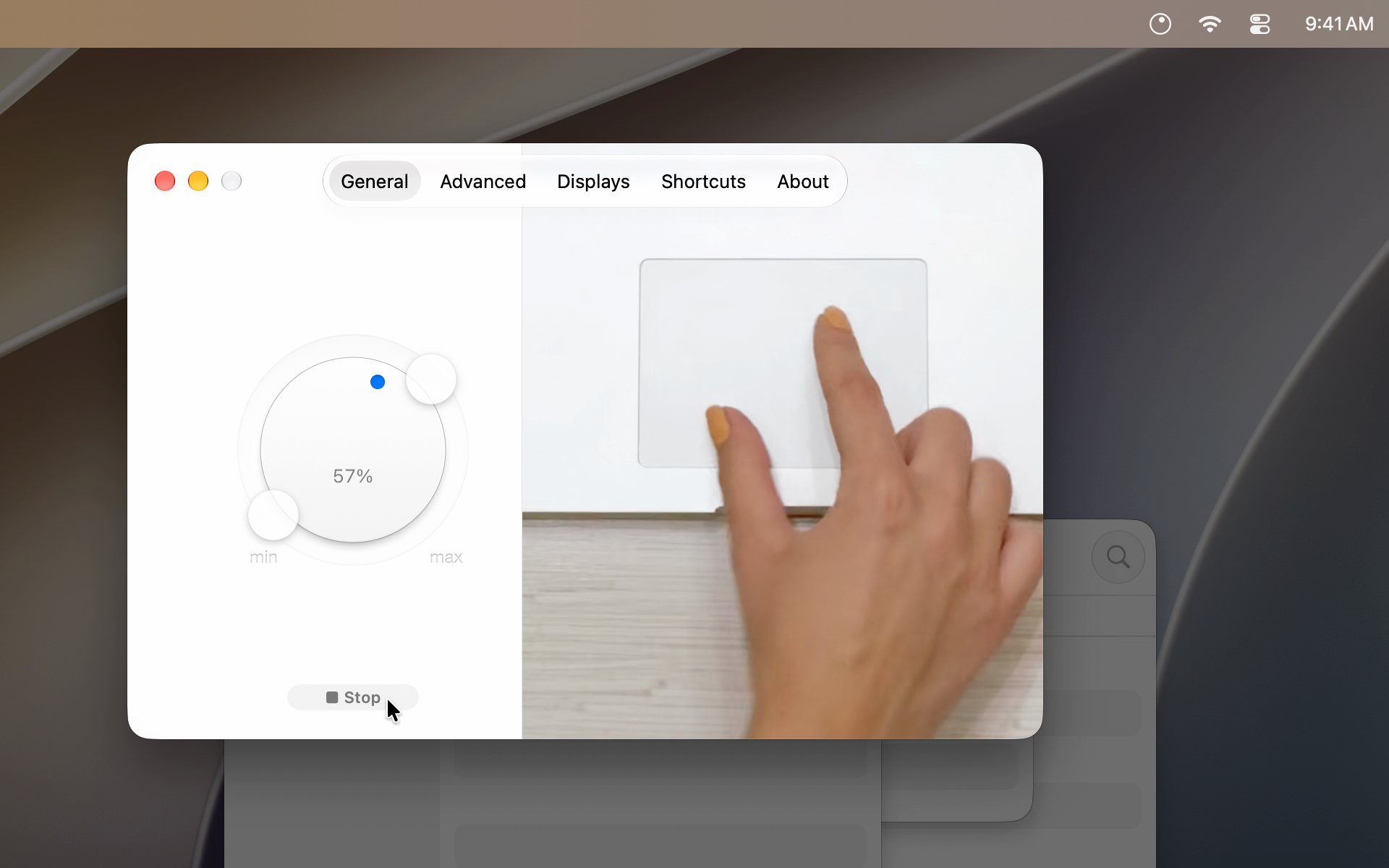
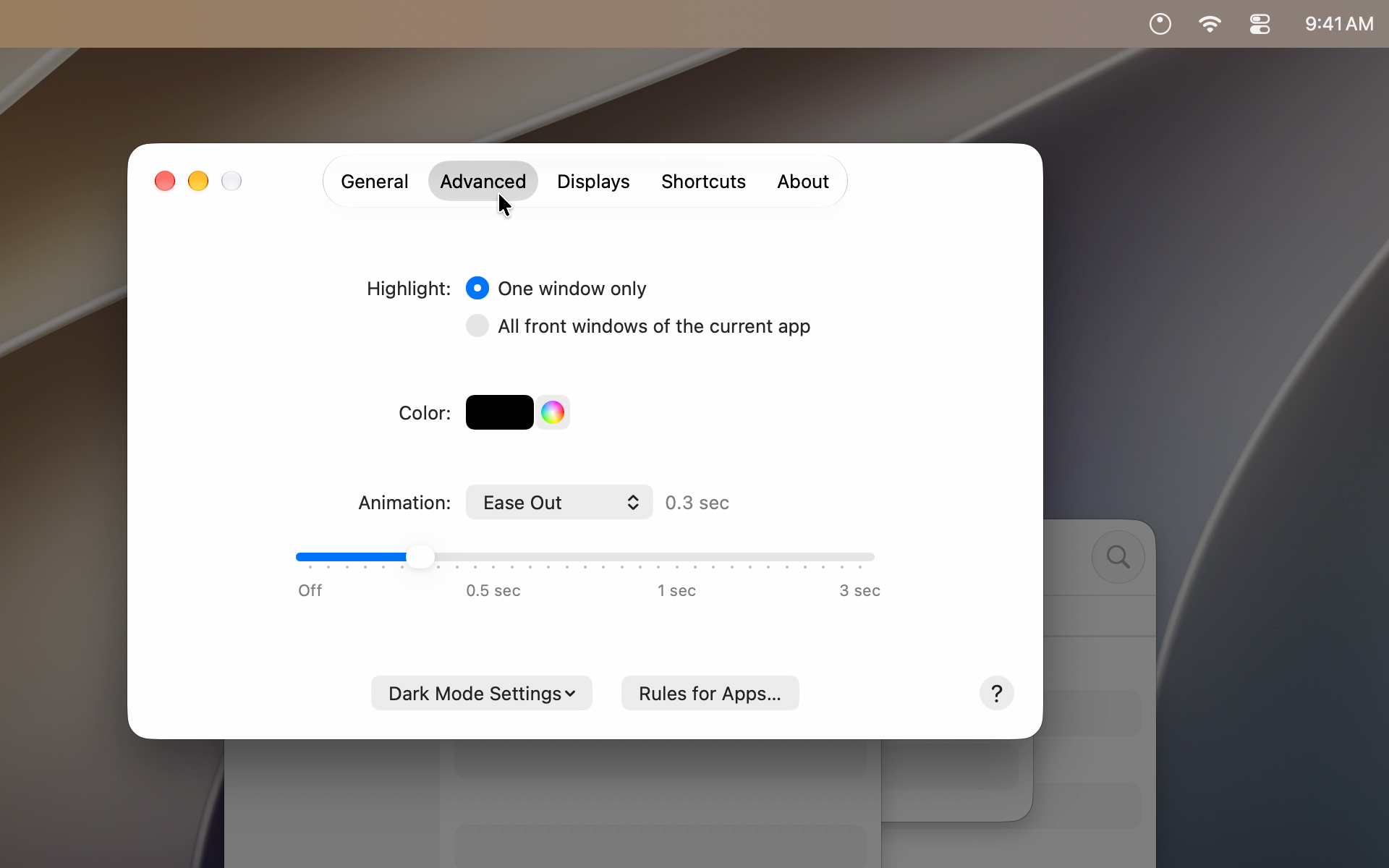
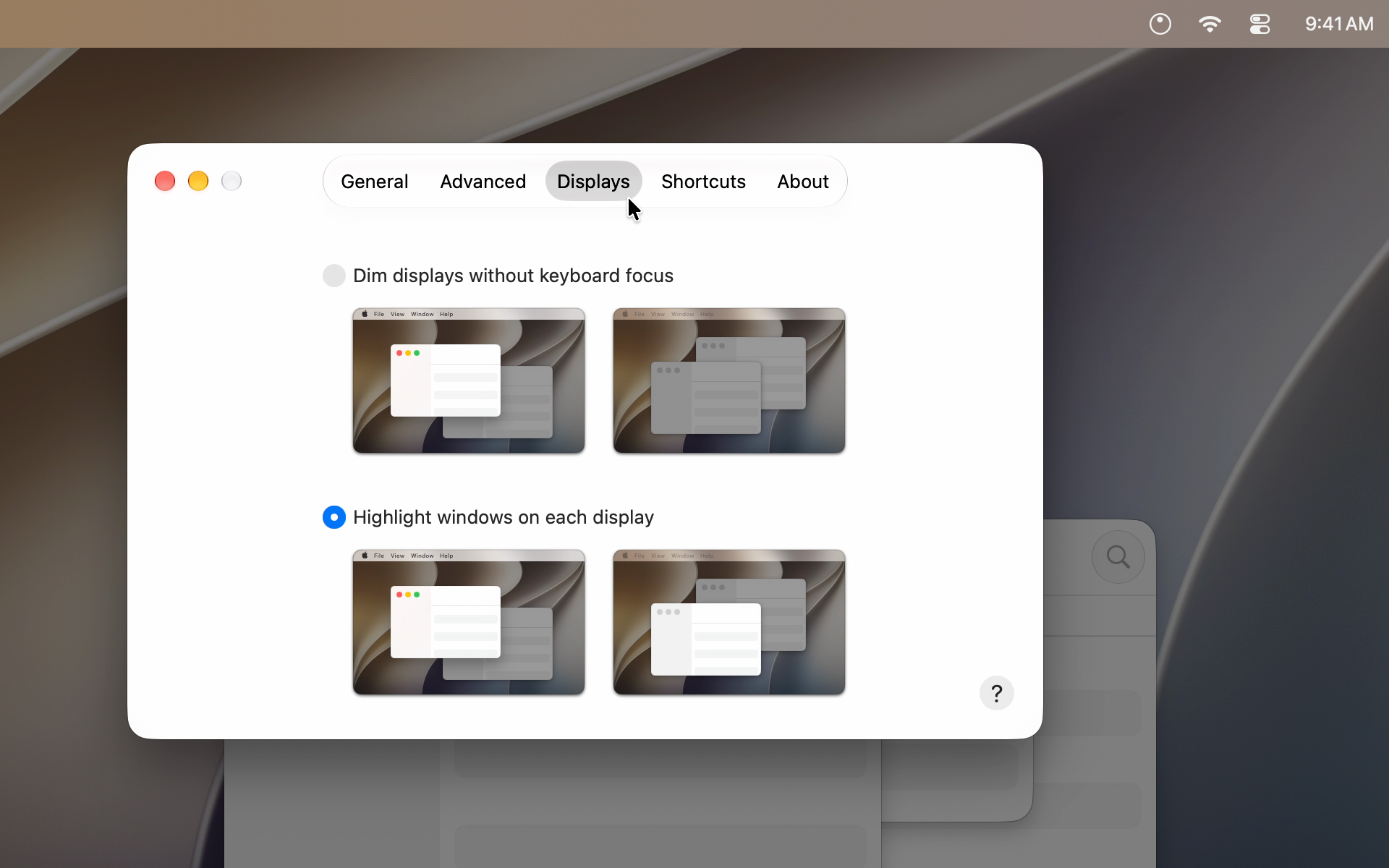
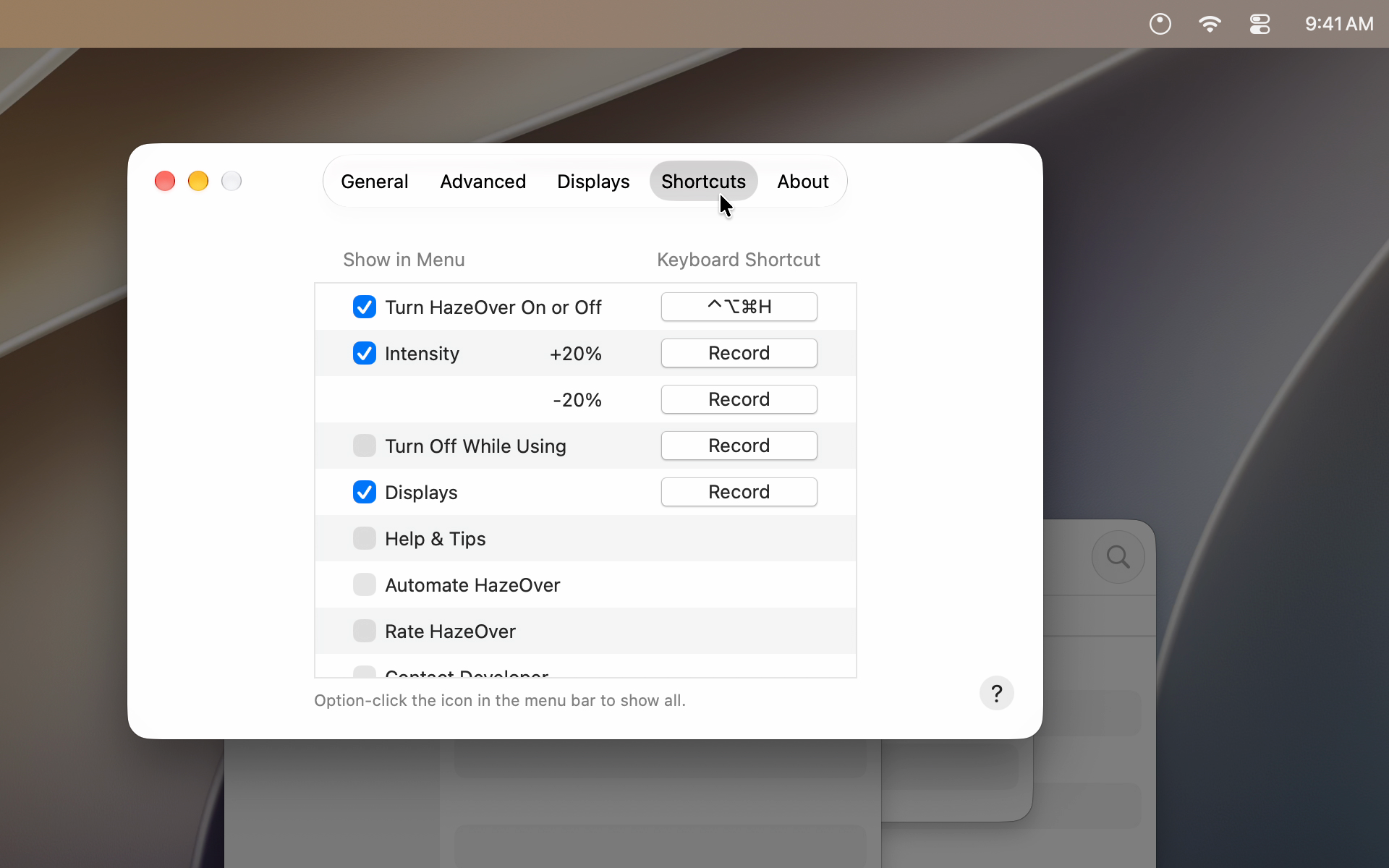
App Icon
Download the HazeOver app icon (PNG, 1024×1024).