Quá nhiều cửa sổ để quản lý? Màn hình lớn? Hoặc đôi khi bị lạc trong nhiều màn hình? HazeOver dành cho bạn! Ứng dụng này tự động làm nổi bật cửa sổ phía trước bằng cách làm tối tất cả các cửa sổ phía sau.
Phiên bản hiện tại yêu cầu macOS 12 Monterey hoặc mới hơn. Xem các phiên bản khác. Dùng thử với Setapp
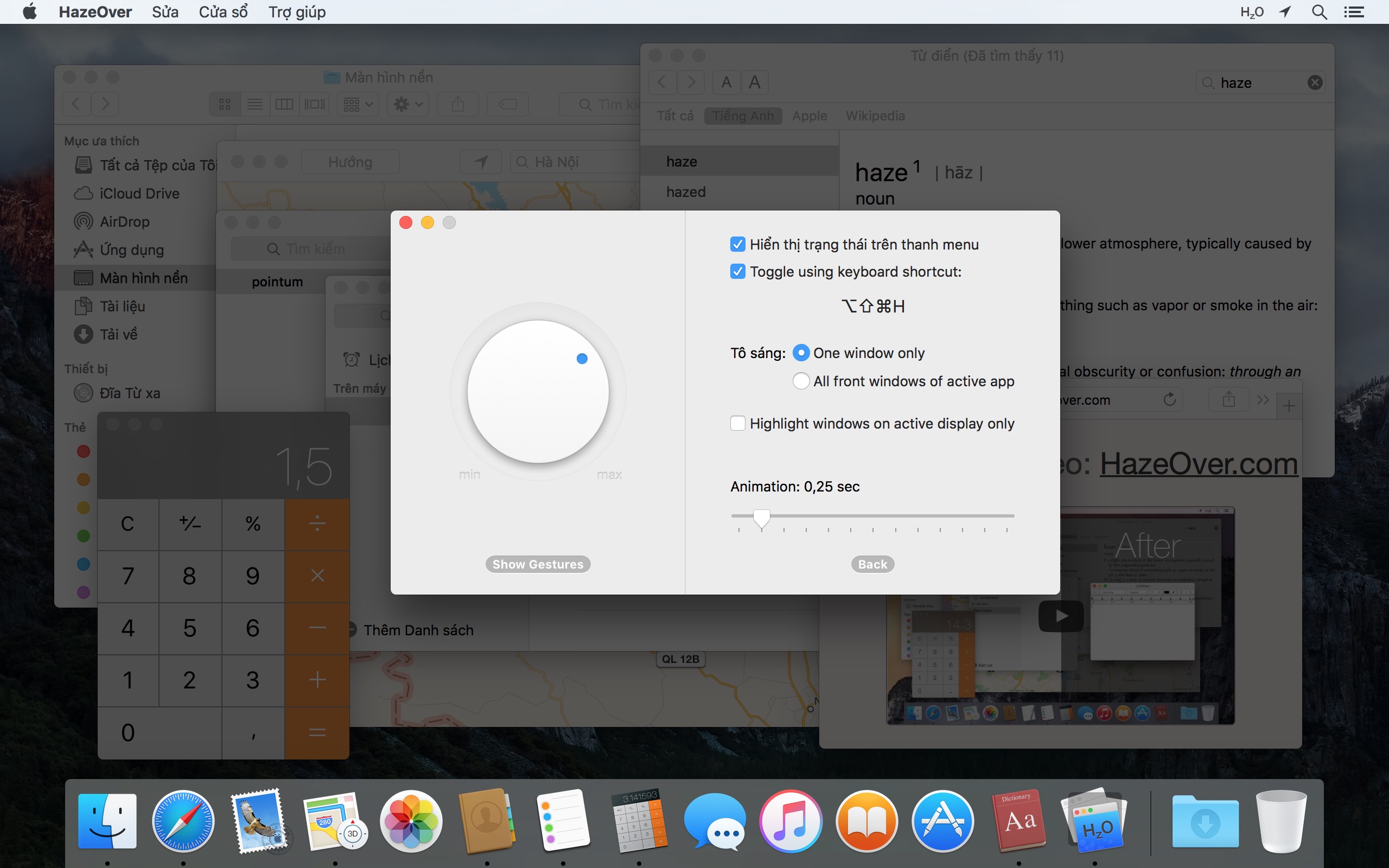
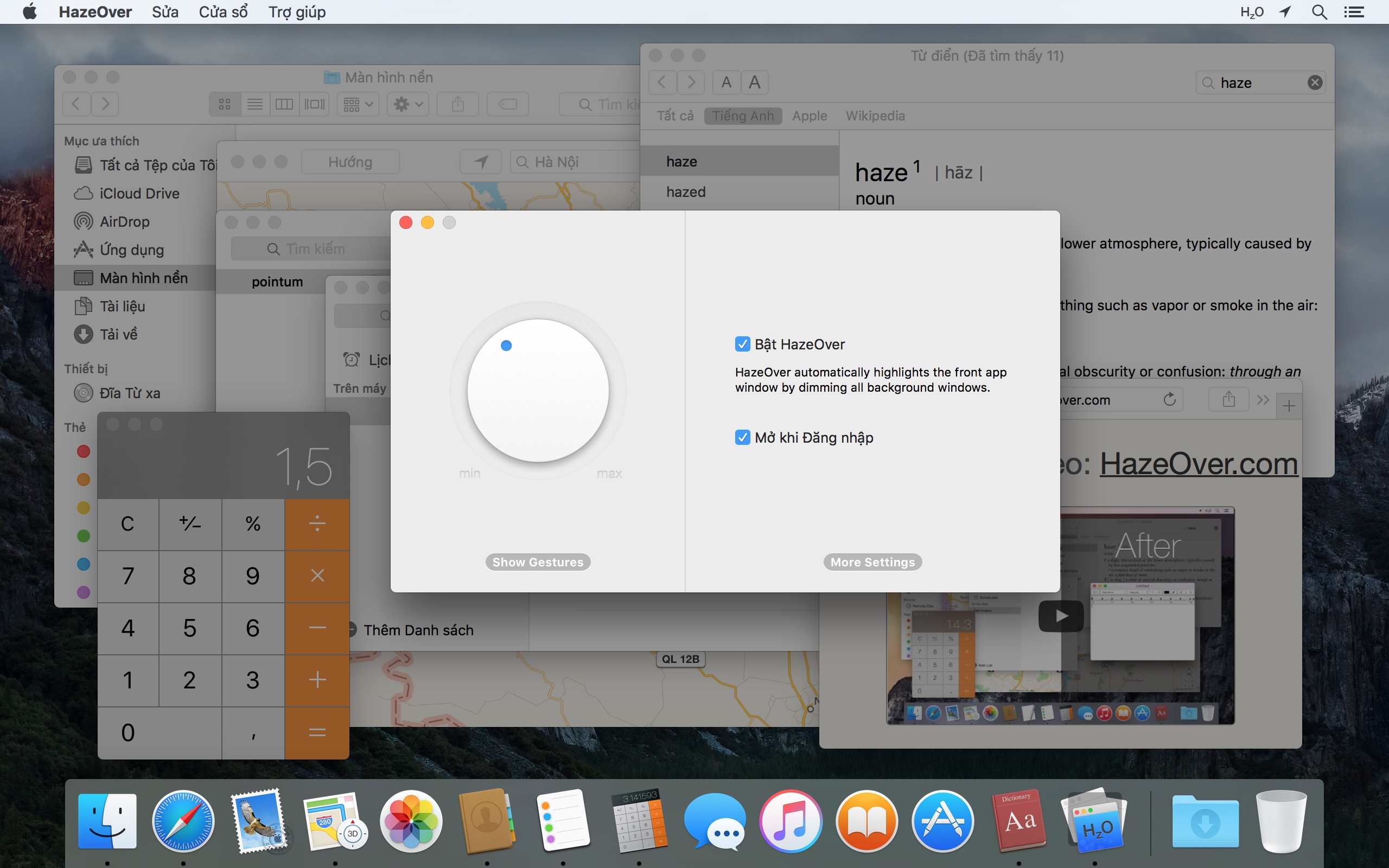
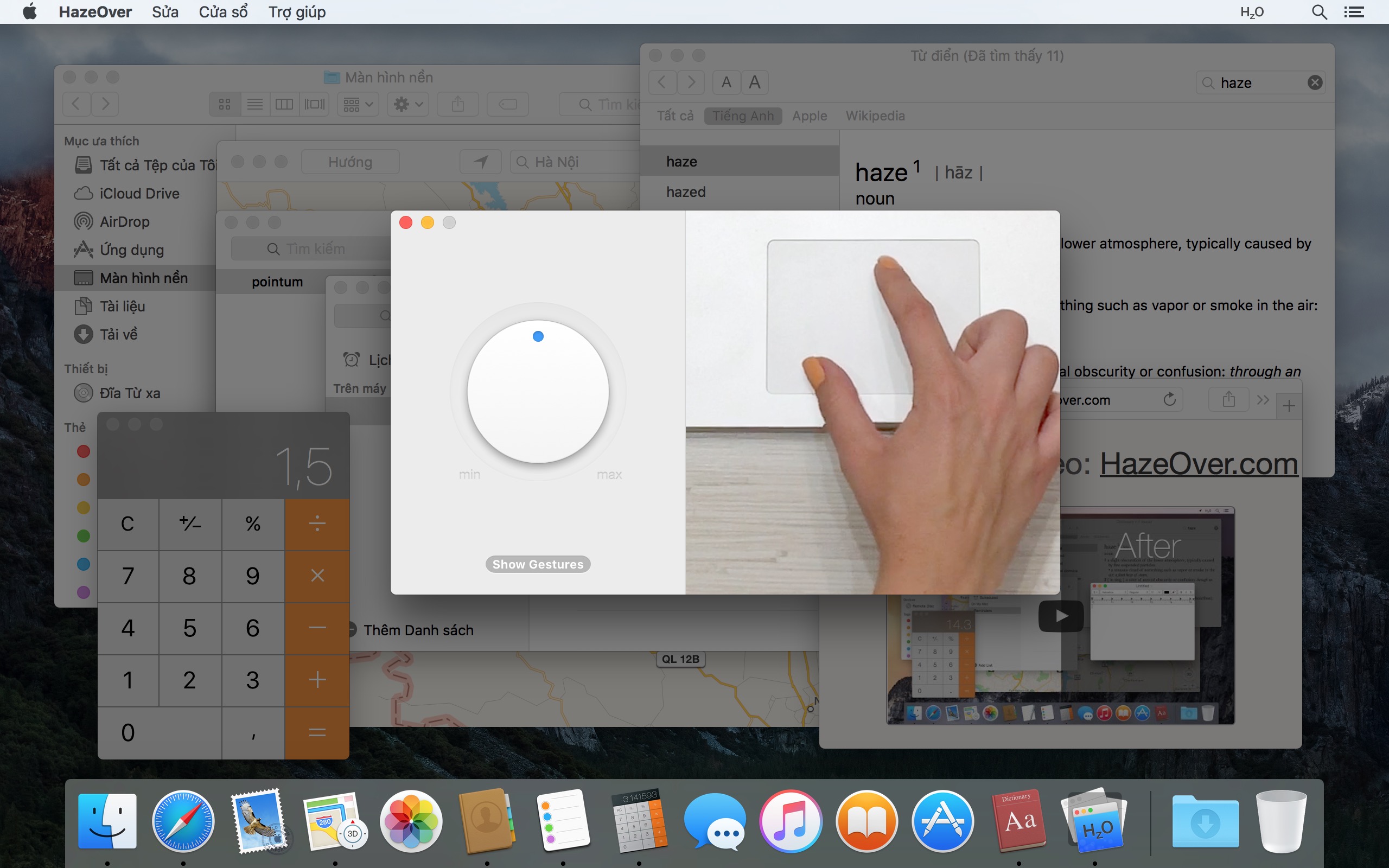
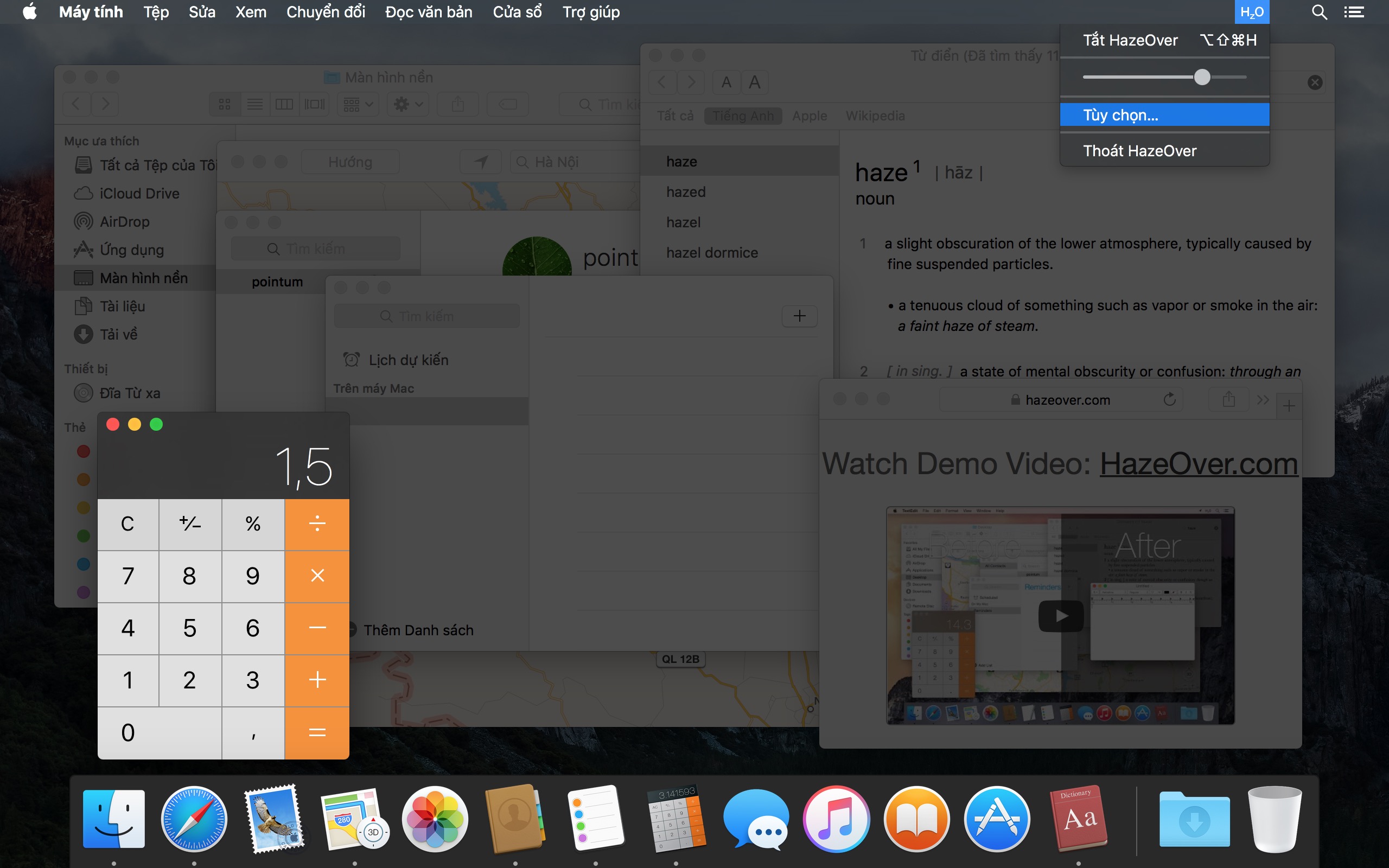
Xem video demo để thấy hiệu ứng mờ dần của cửa sổ hoạt động
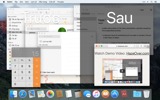
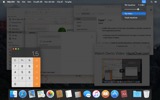
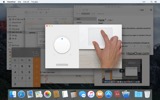
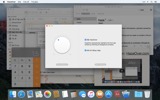
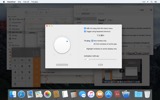
Cách tăng năng suất trên Mac với HazeOver
- Giúp bạn tập trung vào một việc tại một thời điểm. Tự động như phép thuật.
- Dành ít thời gian hơn để quản lý cửa sổ. Sự lộn xộn sẽ không còn làm phiền bạn nữa.
Không cần thu nhỏ, đóng, hoặc ẩn cửa sổ để giữ không gian làm việc gọn gàng và ngăn nắp. - Không còn gõ nhầm cửa sổ do độ tương phản thấp.
Luôn biết cửa sổ nào đang hoạt động. - Có màn hình lớn hơn? Thì chế độ toàn màn hình có thể ít có ý nghĩa hơn.
HazeOver giúp bạn tránh cảm giác bị choáng ngợp bởi quá nhiều cửa sổ. - Nhiều màn hình? Xem màn hình nào đang hoạt động, hoặc làm nổi bật các cửa sổ trên mỗi màn hình.
- Tăng sức mạnh cho chế độ tối và giảm ánh sáng chói từ nền.
- Làm việc vào ban đêm? Giảm độ sáng giao diện mà không ảnh hưởng đến khả năng đọc hoặc độ chính xác màu sắc của cửa sổ phía trước.
Đa nhiệm nặng nề bào mòn năng lượng của bạn. Các trang web, email, tin nhắn chat, và lolcats 😼 nhìn chằm chằm bạn từ phía sau, tất cả đều tranh giành sự chú ý của bạn. Mà sự chú ý của bạn thì có hạn.
Bạn đang tập trung làm việc. Rồi một cửa sổ ở đây, một cái nữa ở kia, bạn cứ ẩn đi rồi thu nhỏ, chúng cứ chồng chất lên… Tuyệt vời. Giờ bạn bị choáng ngợp và mất phương hướng rồi. Hít thở sâu, bật HazeOver và cuối cùng tập trung vào những gì quan trọng.
HazeOver tự động làm nổi bật cửa sổ hoặc ứng dụng đang hoạt động khi bạn chuyển đổi. Những thứ ít quan trọng hơn nhẹ nhàng mờ dần vào nền, giúp bạn duy trì tập trung và năng suất.
Tùy chỉnh cường độ làm tối và tốc độ hoạt ảnh theo sở thích của bạn, dù là bóng mờ nhẹ để hướng dẫn sự chú ý hay nền tối đậm để đắm chìm hoàn toàn.
- Màn hình nền tự động hiển thị khi được sử dụng.
- Bật/tắt làm tối bằng phím tắt hoặc điều chỉnh cường độ bằng cử chỉ.
- Sử dụng cài đặt làm tối riêng biệt cho giao diện tối và sáng.
- Nhấn phím fn để nhanh chóng tắt làm tối khi kéo thả giữa các ứng dụng.
- Điều khiển hoặc tự động hóa HazeOver với ứng dụng Phím tắt, Bộ lọc chế độ tập trung, và AppleScript.
Sẵn sàng cải thiện quy trình làm việc và sự thoải mái cho mắt với HazeOver?
HazeOver có thực sự hữu ích không? Đã được giới thiệu trên







Tin tức & Cập nhật 

HazeOver 1.9.7 + macOS Tahoe and Liquid Glass
- Improved compatibility with macOS Tahoe and updated look for Liquid Glass.
- Fixed: quitting unexpectedly when using a third-party menu bar manager.
- Improved screen reader support and keyboard navigation following Voluntary Product Accessibility Template® audit.
Now you can adjust HazeOver settings from Spotlight and Control Center. See the updated Automation Guide.
Tip: If you use intense dimming and the menu bar gets too dark on macOS Tahoe, then go to System Settings > Menu Bar and turn on the “Show menu bar background” option.
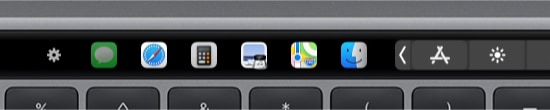
The app switcher for the Touch Bar got updated for macOS Tahoe and Liquid Glass. Now requires macOS 12, the last macOS version supported by every Mac with a Touch Bar.
Learn More →
The app for running scripts and commands with keyboard shortcuts or from the menu bar, now updated for macOS Tahoe and Liquid Glass.
Learn More →
“What HazeOver does is highlight the active window by dimming all background windows. That’s it. But it does this simple task with aplomb, and it makes a significant difference in the day-to-day usability of MacOS. Not just MacOS 26 Tahoe — all recent versions of MacOS suffer from a design that makes it difficult to distinguish, instantly, the frontmost (a.k.a. key) window from background windows. Making all background windows a little dimmer makes a notable difference.”
— John Gruber
Learn More →
HazeOver 1.9.6 + macOS Sequoia & Localization Updates

I like working with different languages. I speak English, Russian and Spanish, a bit of Japanese and can understand some German. Localizing an app is challenging but rewarding. That’s why HazeOver has supported multiple languages from the get go.
Over the years HazeOver has been localized into 33 languages with help from professional translators and regular users. But as changes are made and features are added, some text became out of date. Now the localization should be complete, including updates to the home and help pages in 24 languages.
Please let me know if you find mistakes or typos.

HazeOver Featured by Apple in App Store Stories
- What’s New in macOS Ventura — Take Focus Further
“macOS Ventura is here, bringing fresh ways to boost your productivity and creativity. Check out a few of its coolest new features—along with apps and games to get the most out of them.”
“Whether you’re working, playing, or spending time with family, setting up a Focus is a great way to establish boundaries. With the new Focus filters in macOS Ventura, apps can customize what you see based on the Focus you’ve enabled.”
- Get More Done With Shortcuts! — Manage Your Mac
“By letting you automate frequent or cumbersome tasks, Shortcuts has become a productivity favorite on Mac. […] Check out these Mac favorites that work with Shortcuts”
- Snap Screenshots Like a Pro — Highlight the important window
“HazeOver dims all but the top window to help you focus while working. Use it for a professional look when making screen captures and recordings.”

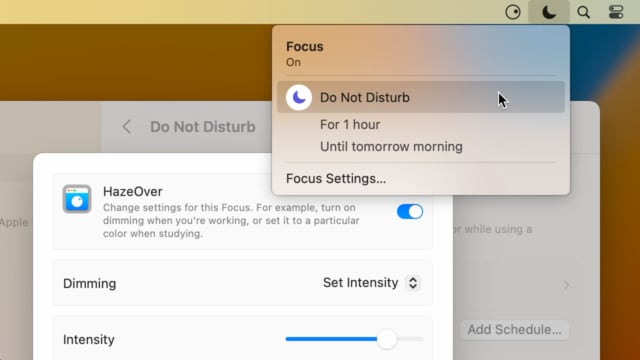
Set up a Focus Filter to toggle HazeOver dimming or set its intensity and color automatically depending on which Focus mode you have activated. For example, you could have dimming turned on when switching to a Work focus or get it set to a particular color when studying.
Read the Automation Guide for details and inspiration.
Learn More →
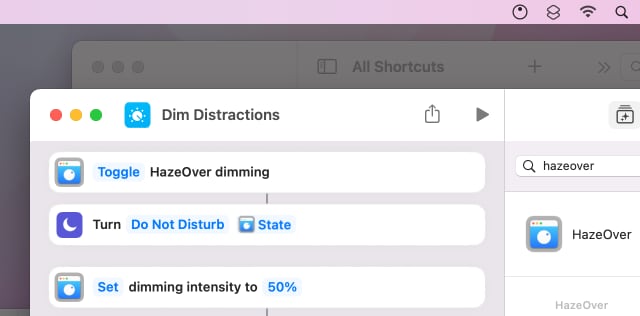
Control HazeOver dimming state and settings with Shortcuts app on macOS Monterey. Combine with other apps and settings to set up your perfect environment. For example, you can turn on HazeOver, Dark Mode, and Do Not Disturb with a single keyboard shortcut. On all macOS versions you can use AppleScript.
Read the Automation Guide for details and inspiration.
Learn More →
HazeOver 1.8.6 + Light/Dark Settings
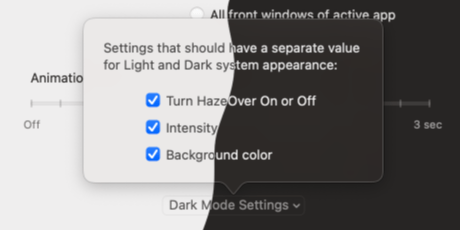
New: Dynamic settings for Light and Dark system appearance.
Dimming settings can be set to change automatically when using Auto Appearance on macOS Catalina (System Preferences > General). For example, dimming can switch on along with Dark Mode. Or have different dimming intensity and color when using the light appearance.
Such settings will be saved and applied independently for Dark and Light appearance. See HazeOver Preferences > Advanced > Dark Mode Settings.
Đánh giá của khách hàng: 
Dựa trên 3064 đánh giá và nhận xét gần đây từ Mac App Store trên toàn thế giới
A permanent addition to my desktop
This program has redefined what I view as “comfortable” on my desktop, and it has become a permanent resident on my status bar. I rarely disable it, but love the fact that I can quickly and easily do so using the taskbar icon. It does exactly what it says. Five stars.
Better is use than theory
You don’t know how nice this is until you use it. It really does make concentrating on the given window easier; and yes, you always know what window you’re on. Glad I got this, highly recommend it.
Brilliantly Simple
App that makes you go, “Where have you been all my Mac life?”
Worth the money, worth the time
This app has definitely helped with making my productive life easier. Let me tell you that it little popups are an annoyance to you, then this app will definitely help you concentrate on one thing at a time. It is now in my must-have list and should be in yours too!